


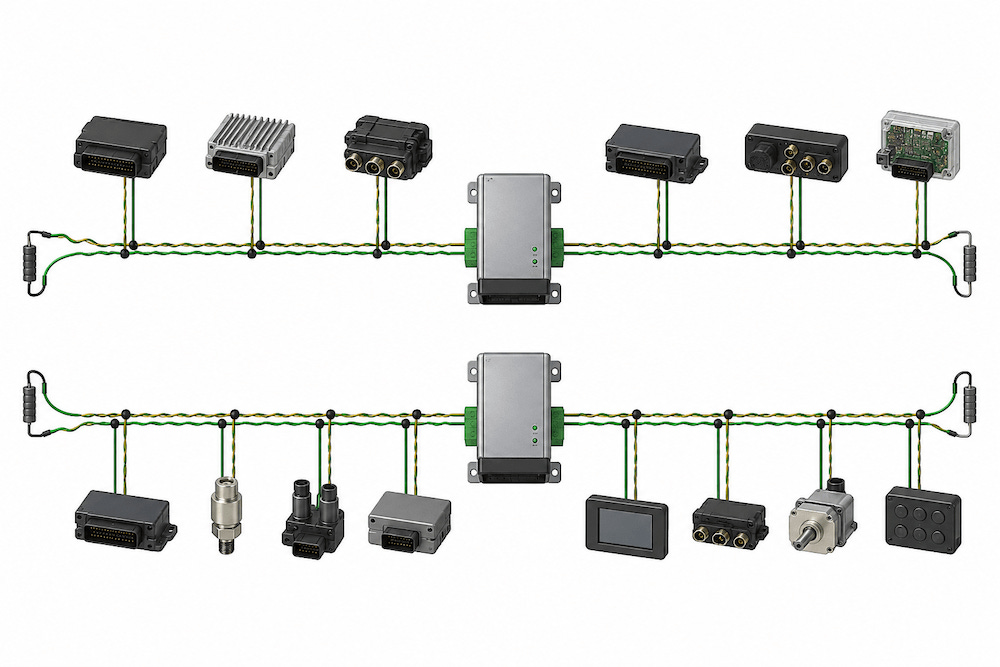
When a CAN bus starts producing errors after you add a remote group of devices, a repeater may seem like the obvious fix. Before adding one, I would look at what changed. Did the new branch introduce reflections? Did it add too much electrical load to one section? Or is the signal already taking too long to travel between the farthest nodes? These problems can produce similar symptoms, but a repeater affects each of them differently.
What a CAN bus repeater does
A conventional CAN repeater connects two or more cable segments. When it detects a CAN bit on one segment, it drives the same bit onto the other. It works bit by bit as the frame is being transmitted. To the CAN controllers, the segments still form one logical bus. Nodes on opposite sides of the repeater see the same traffic and can compete for access to the bus during the same arbitration.
Electrically, however, each segment has its own interface to the repeater. The transceivers on one segment drive the cable and devices on that segment. This lets you divide the electrical load among several segments. Each segment needs proper termination at both ends, including at the repeater port if it sits at one end of the segment. Some repeaters provide built-in termination, so check the hardware before adding a resistor at the port.
Where a repeater can help
Imagine a machine with a main control cabinet and a remote operator station. The most convenient wiring route may be to run a cable from a junction on the main bus directly to the station. That creates a stub, which is a branch off the main cable. If the stub is long enough, signals can reflect from its end and distort the waveform back on the main bus.
A repeater at the junction gives that branch its own electrical interface. The cable to the operator station can then be wired and terminated as a separate segment while the station continues to exchange messages with the rest of the machine. A repeater with galvanic isolation can also help when the cabinet and the station operate at different ground potentials.
Why propagation delay still matters
A repeater takes time to detect a signal and drive it onto the next segment. That delay adds to the time the signal already spends traveling through the cables and transceivers. During arbitration, two nodes can begin transmitting at nearly the same time. If one sends a recessive bit while the other sends a dominant bit, the first node must detect that dominant state by its sample point so it can yield the bus.
At 250 kbit/s, one bit lasts 4 microseconds. At 500 kbit/s, it lasts 2 microseconds. Only part of that time is available for propagation, and the repeater uses some of it in each direction. A cleaner waveform on an oscilloscope can therefore coexist with a timing problem. The signal can look good when it arrives and still arrive too late.
What I check before adding a repeater
On an existing network, I start with the wiring and termination. I look for long stubs, missing or extra terminators, and connections that could explain intermittent errors. If the physical layout calls for separate segments, I trace the longest signal path between nodes and account for the cable, transceivers, and every repeater on that path.
I also test with the remote nodes transmitting. Watching the operator station receive messages from the main cabinet confirms that traffic can cross the repeater. Having both ends transmit gives me a chance to see how the network behaves when nodes on opposite segments contend for the bus.
Further reading on JCOM1939.com
I cover signal regeneration, segment termination, and propagation delay in more detail in CAN Bus Repeaters: Overview and Technical Considerations.
For a practical look at where repeaters help and why a network that works on the bench can develop intermittent errors in service, see CAN Repeaters: Network Savior or Serial Trouble-Maker?.